The Model Context Protocol (MCP) is the open standard for connecting AI agents to the tools and systems they act on. The Flowyte MCP server is a hosted gateway at mcp.flowyte.com that lets any MCP client — Claude Code or another agent — drive your own Flowyte configuration over that protocol, running the exact same operations the dashboard and the REST API use, under a key you scope yourself.
In practice that means you can hand an AI coding agent a single command, point it at your account, and ask it to stand up a working phone-and-chat receptionist — while every action it takes is re-authorized against your key, audited like a human's, and stopped at a confirm gate before anything goes live.
This article is the plain-English overview. For the developer reference — endpoints, authentication, and the full build sequence — see docs.flowyte.com and its "For AI agents" guide, which walks an LLM-based tool through building a Flowyte agent end to end.
Key Takeaways
- The Flowyte MCP server is a hosted gateway at mcp.flowyte.com that exposes your Flowyte account to any MCP client — Claude Code or another agent — over the Model Context Protocol.
- Connect Claude Code with one command and a scoped key you mint under Settings, API keys; any other MCP client points at https://mcp.flowyte.com/mcp with a bearer token.
- Your agent can inspect agents and analytics, create and configure a draft, add knowledge and skills, discover real voices and languages, and publish — the same operations the dashboard offers.
- The safety model is the point: every tool call re-runs the real API authorization with your key, so org isolation, scope limits, rate limits, and full audit all apply exactly as they would to a human.
- Publishing to live traffic is a deliberate two-call confirm gate — the agent stops and waits for your yes, and any edit in between invalidates the token.
- It costs nothing extra. The MCP server drives your normal account; usage bills at the published rates, and configuring Flowyte over MCP is available on any plan.
What an MCP server is — and what Flowyte's is
An MCP server is a program that publishes a catalog of tools an AI agent can call, in a format the agent understands, so the agent can take real actions instead of only talking about them. Flowyte's MCP server is a thin, curated wrapper over the same /api/v1 control plane the product runs on: it turns each Flowyte operation — create an agent, add knowledge, publish a version — into an MCP tool, and dispatches every call back through the real API. Which means the agent is not working around Flowyte; it is using the identical surface the dashboard uses, with the identical rules.
- Endpoint:
https://mcp.flowyte.com(POST/mcp) - Transport: Streamable HTTP with JSON-RPC 2.0, stateless
- Auth: a Flowyte API key or OAuth token sent as a bearer
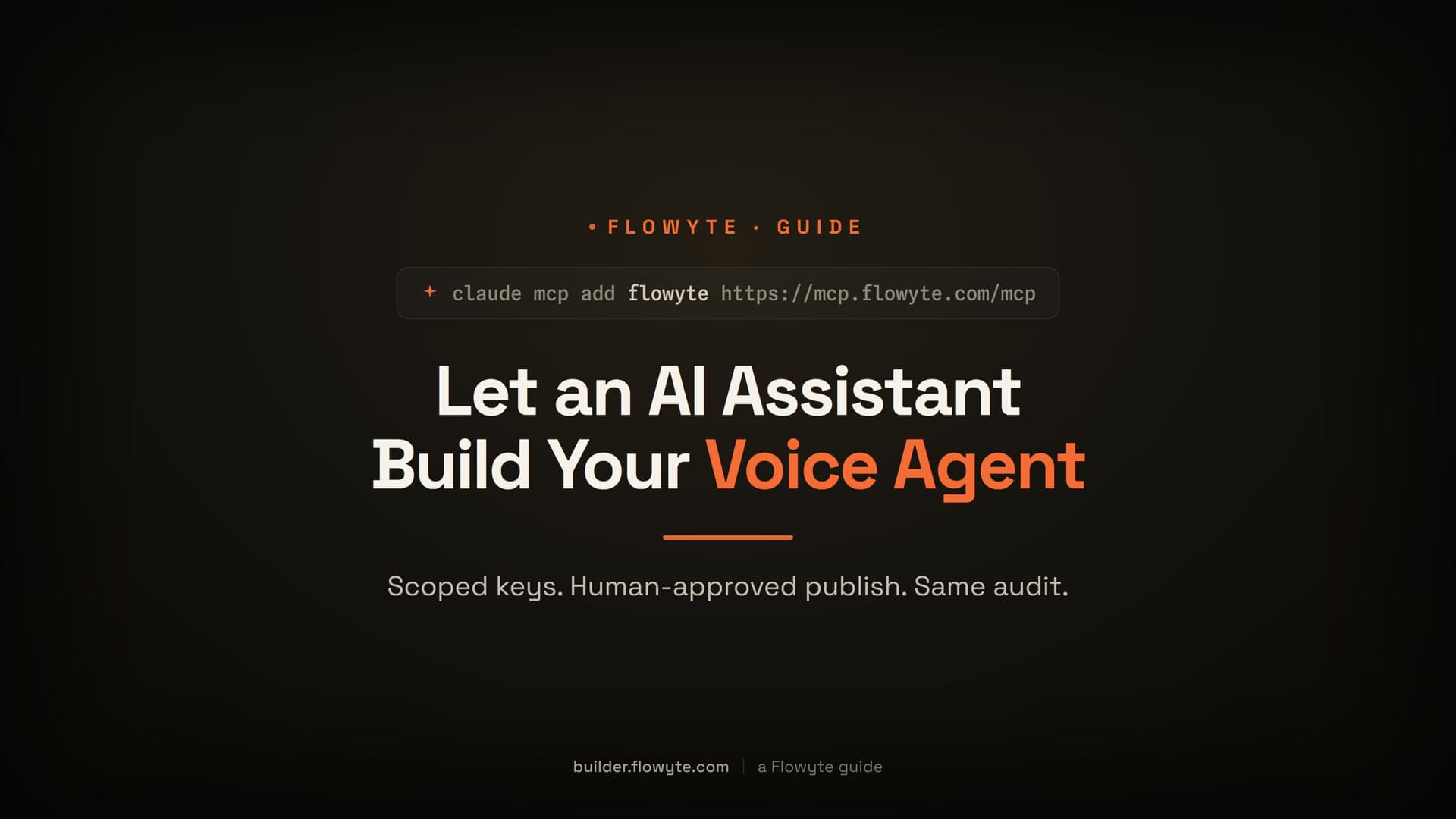
Connect in one command
If you use Claude Code, one command wires it up:
claude mcp add --transport http flowyte https://mcp.flowyte.com/mcp \
  --header "Authorization: Bearer flowyte_sk_live_<your-scoped-key>"
From then on, the Flowyte tools (list_agents, get_agent, and the rest) are available in your session. Mint the key first in the Flowyte app under Settings → API keys, granting only the scopes you need.
Any other MCP client connects the same way — point it at the endpoint with a bearer token and the JSON headers:
POST https://mcp.flowyte.com/mcp
Authorization: Bearer <flowyte_sk_… or flowyte_oat_…>
Content-Type: application/json
Accept: application/json
The server advertises its full tool catalog at initialize, so a client discovers what it can do on connect. It is stateless — there is no session id, because every request is authorized on its own.
What your agent can do
The tool catalog mirrors the product honestly, grouped by what it touches:
- Inspect (reads). List your agents and read a full config — persona, goals, voice, languages — plus knowledge sources, configured skills, past conversations with their analytics, and a draft's pre-publish readiness report.
- Configure and publish (writes). Create a new draft agent, patch its persona, goals, guardrails, greeting, voice, and languages, add knowledge sources, configure skills, deploy a chat widget, and publish a new live version — publishing always behind the confirm gate below.
- Escalation tools. A separate group for wiring how an agent hands a conversation off to an outside destination. It carries its own scope family and only comes alive when a handoff integration is connected, so a configuration-only key never even sees it.
- Discovery tools. Search and browse the voice catalog, list the skill types, and list the supported languages — so the agent finds a real voice id or a valid language instead of guessing one that does not exist.
- Reuse discovery. List what integrations you already have connected, an agent's existing playbooks, and its interaction variables — so the agent reuses what is there instead of duplicating it.
Which means a capable agent can do the whole build — discover the right voice, configure the persona, wire a skill, load knowledge — without you spelling out ids or valid values by hand.
The safety model
This is the part that matters, because you are giving an AI agent access to a system that answers your phone. The design assumes that and locks it down at every call.
You mint the key, and you scope it. Keys are created in the app under Settings → API keys, and each one grants only the scopes you choose. The tool catalog is scope-filtered: a key sees only the tools its scopes allow. Which means a configuration key literally cannot see — let alone call — a tool it has no permission for.
Every tool call re-runs the real authorization. Each call is dispatched as a genuine in-process request back through the same control-plane engine, carrying your original token. Org isolation, scope enforcement, and per-key rate limits all re-run on every single call. Which means the agent can never do more than your key could do directly over REST, and it can never reach another organization's data.
Every change is audited like a human's. A mutation made over MCP re-runs the exact same audit trail a mutation made by a person does — there is no quieter, less-logged path just because an agent made the call. Which means your record of who changed what stays complete no matter what is holding the keyboard.
Publishing is a two-call confirm gate. Because publishing affects live traffic, it is never one shot. The agent must first run the pre-publish report, which returns what will and won't change plus a short-lived signed token; only a follow-up publish call carrying that exact token goes through. If the agent edits the draft in between, the token is invalidated and it has to re-review. Which means nothing your callers hear changes without a config you just saw, confirmed, and left untouched.
There is no session to hijack, and the gateway holds nothing. The server is stateless — every request stands on its own credential — and it never touches the database or stores its own credentials. A revoked key stops working instantly, resolved by the same check the REST API uses. Which means the attack surface is your key and only your key: revoke it and the door closes immediately.
A walkthrough: stand up a booking agent from Claude Code
Point Claude Code at the gateway with a key scoped to read and write agents, plus knowledge and skills. Then ask it, in plain English, to build a booking receptionist.
Watch what it does. It calls list_agents first so it doesn't create a duplicate, then creates a fresh draft. To give it a voice, it searches the catalog — you can describe one like "warm female american receptionist" and it takes the best match rather than a guessed id. It sets the persona, greeting, goals, and language, checks the skill catalog and your connected integrations before adding a booking skill, and loads your business details as knowledge.
When it's ready to go live, it runs the pre-publish report and reads back the blockers and warnings — and then it stops. Publishing is the confirm gate, so it waits for your yes before freezing a live version. You review exactly what it compiled, say go, and it publishes. (If you want it to try the draft first, note that the built-in test tool actually runs the agent's live logic and can fire real skills, so it is honest about that and you should prefer a test tenant.)
Watch it happen
Here it is on the real product: an AI coding assistant mints a scoped key, connects over MCP, reuses the voices, skills, and integrations you already have, builds a draft agent in your tenant, and stops at the publish confirm gate for a human to approve.
Prefer the full watch page? The chaptered walkthrough with the complete transcript lives at Let an AI assistant build your voice agent.
Common questions
What is an MCP server?
An MCP server is a program that exposes a catalog of tools to an AI agent over the Model Context Protocol, the open standard for connecting agents to external systems. It lets the agent take real, structured actions — not just describe them. The Flowyte MCP server exposes your Flowyte account this way, at mcp.flowyte.com, so an MCP client can create, configure, and publish your AI phone and chat agent.
Is it safe to give an AI agent access to my Flowyte account?
The safety model is built for exactly this. You mint a key and grant it only the scopes you choose, and the agent sees only the tools those scopes allow. Every tool call is re-authorized against your key through the same control plane the dashboard uses, so org isolation, scope limits, and rate limits all apply per call, and every change is audited identically to a human action. The server is stateless and holds no credentials, so revoking your key closes access instantly.
What can the AI actually change?
Whatever your key is scoped for — no more. With write scopes it can create a draft agent, configure its persona, goals, guardrails, voice, and languages, add knowledge sources and skills, deploy a chat widget, and publish a new version. Publishing is gated: it affects live traffic, so it requires a fresh pre-publish token and stops for your confirmation, and any edit in between forces a re-review.
Does it work with clients other than Claude Code?
Yes. Claude Code has a one-line setup command, but any MCP client works. Point it at https://mcp.flowyte.com/mcp with your Flowyte bearer token and the JSON content and accept headers, and the client discovers the full tool catalog at initialize. The server is stateless, so each request is authorized independently.
How is the MCP server different from the REST API?
They are the same operations. The MCP server is a curated wrapper that re-dispatches every call back through the same /api/v1 surface, so it carries the identical scopes, rate limits, and audit. The difference is the protocol: MCP is the agent-friendly shape, so an AI client can discover and call the tools directly, while REST is the raw HTTP interface you script by hand. Anything you can do one way you can do the other.
What does the MCP server cost?
Nothing extra. The MCP server simply drives your normal Flowyte account, and usage bills at the published rates — prepaid credits where 1 credit equals $0.01, voice from $0.11 per minute on pay-as-you-go, and phone numbers at $2 per month. Configuring Flowyte over MCP is available on any plan. See the pricing page for current plans and full details.
Point your agent at Flowyte
The Flowyte MCP server turns your account into something an AI agent can build against safely: one command to connect, a key you scope yourself, the same authorization and audit the dashboard runs on, and a confirm gate before anything reaches a real caller. If you would rather write the calls yourself, every operation is also a plain REST API with scoped keys. And if you would rather not touch code at all, you can build the agent by describing your business inside the product, or drive the same API by hand.
Connect Your AI Agent to Flowyte
Mint a scoped key, connect Claude Code or any MCP client with one command, and let it build a working phone and chat agent — stopping at a confirm gate before anything goes live. Free credits at signup, no credit card required.
Start Building FreeAbout the Author
Flowyte Team
Product Team
The team behind Flowyte, the AI agent studio for phone and chat. We build the product, run it on our own phone lines, and write these guides from what we ship and test - not from theory.